Not sure what something means?
View the Glossary →
There are thousands of business apps and tools promising to make us more productive, organised or efficient. I’ve tried plenty over the years, but there are some I use all the time and would genuinely miss if they disappeared tomorrow.
I originally wrote this article several years ago about the free and low-cost business tools I couldn’t live without. Unsurprisingly, my list looks quite different now – ChatGPT didn’t exist when I wrote the original!
So here’s my updated list. These aren’t tools I’ve picked because they’re currently fashionable or because I’m being paid to recommend them (I don’t!). They’re the ones I actually use to run Belluber and do work for my clients.
1. WordPress
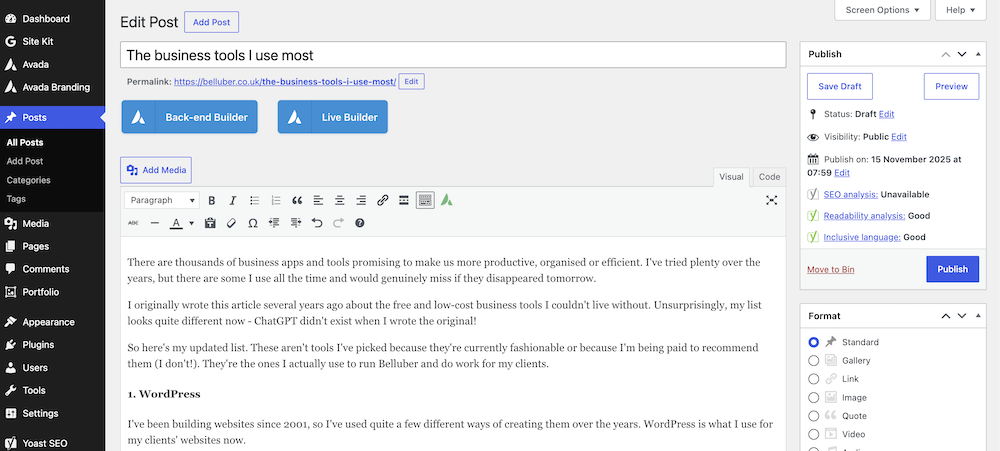
WordPress is a website content management system (CMS) that lets you build and manage a website without having to code everything from scratch.
I’ve been building websites since 2001, so I’ve used quite a few different ways of creating them over the years. WordPress is what I use for my clients’ websites now.
One of the things I like about WordPress is that clients aren’t tied to me. If they want to manage their own website after I’ve built it, they can. If they want me to look after it, I can do that too.
There’s also a huge range of plugins available, so I can add things such as forms, booking systems, e-commerce, membership areas and other functionality without having to build everything from scratch – which means lower costs for clients.
2. Avada

Avada is the WordPress theme I use most often when building clients’ websites. I’ve used it for several years now and know it inside out, which obviously makes building websites much quicker for me.
It has a huge number of features and gives me a lot of flexibility over how a website looks and works without having to use lots of additional plugins.
It’s also quite easy for clients to use. That’s important to me because I give clients full control of their websites when they’re finished. If somebody wants to update their own text, add sections to pages or make other changes, I can train them to do it rather than making them come back to me every time they want something changed.
3. Canva
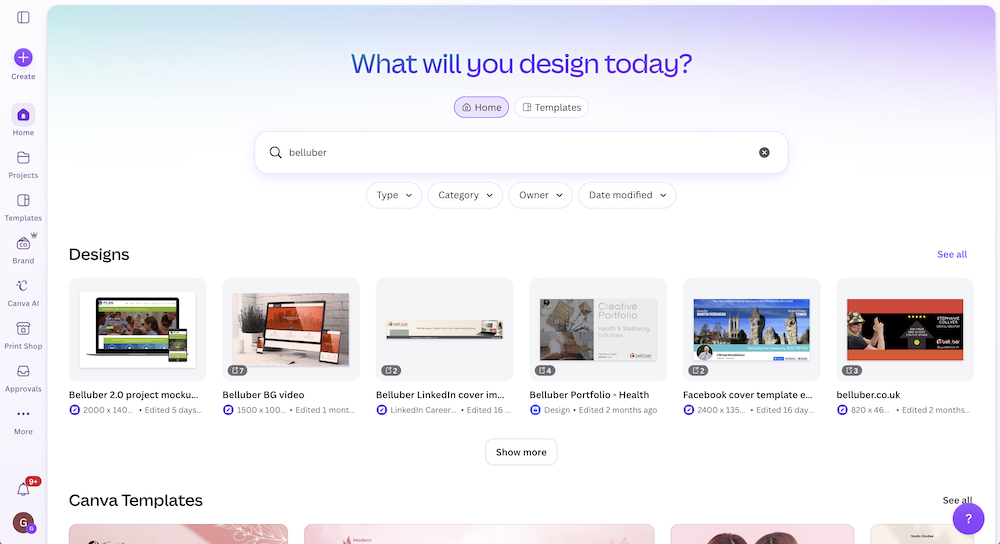
I used to use Adobe Photoshop and Illustrator (and keep up with the latest updates and new features of them), but I now use Canva for creating graphics for Belluber and my clients.
That includes social media graphics, website images, presentations, downloads, newsletters etc. I can set up clients’ brand colours, fonts and logos so I’m not hunting around for them every time I create something.
It’s also a good option for clients who want to create their own graphics because I can make templates for them to edit rather than expecting them to start with a blank page.
Canva has grown massively over the years and there are now a lot more AI, image, video and design tools built into it. I don’t use every new feature just because it’s there, but it has become one of those tools I’d find very difficult to replace.
4. ChatGPT

This obviously wasn’t on my original list! I use this AI tool for all sorts of things now – research, ideas, checking content, helping me troubleshoot technical problems and turning information from clients into ideas for articles and social media posts.
The important bit for me is that I don’t just ask it to “write a blog post” and paste the result onto a website. AI-written content can become very generic, and there are certain words and writing styles you start to spot everywhere when people use it.
I give it as much useful information as I can, then use some of its ideas I like to create articles and other content (which I write in my own style). I also add real experiences, opinions and examples that AI isn’t going to know (unless I tell it).
If you want some help doing that, I’ve created an AI Content Prompt Toolkit with prompts for creating social media posts, blog articles and website content.
5. MailerLite
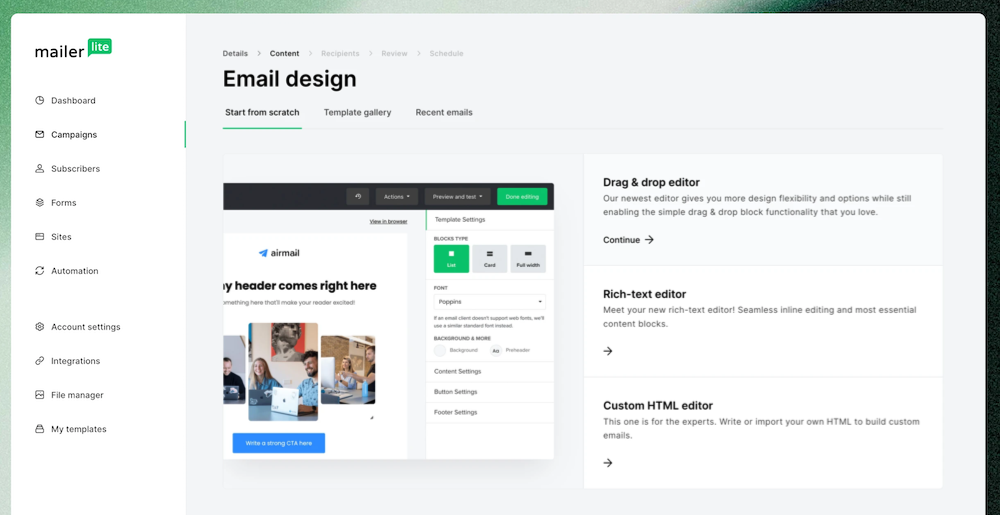
I use MailerLite for email marketing and it’s also one of the platforms I recommend to clients who need an email marketing system without paying for features they’re never going to use.
You can create and send newsletters, manage subscribers, set up forms and landing pages and create automated email sequences.
There are much bigger marketing platforms available, but bigger isn’t always better. I regularly look at what clients are paying for software and whether they’re actually using enough of it to justify the cost.
6. Google Search Console
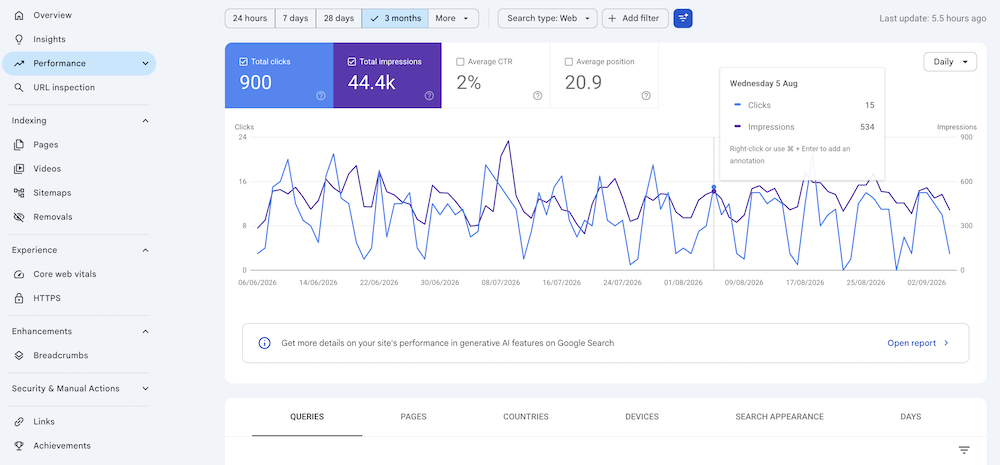
Google Search Console isn’t very glamorous, but it’s one of the first places I look when I want to see how a website is performing in Google.
It can show you which searches your website is appearing for, which pages are getting clicks, how your visibility is changing and whether Google has found problems crawling or indexing parts of your website.
7. LinkedHelper

I use LinkedHelper as part of my LinkedIn lead-building service. It helps me manage some of the repetitive parts of building relevant LinkedIn connections and starting conversations.
That doesn’t mean sending out hundreds of generic sales messages to strangers. I use it carefully and keep the approach human – targeting relevant people, building connections and using messages designed to start conversations (and reply to people) rather than immediately trying to sell something.
Used properly, it saves a lot of manual work while still allowing the important part – the actual conversations – to be handled by a person.
8. Toodledo

This one probably isn’t as well known as some of the others, but I don’t know how I’d keep track of everything without it!
Toodledo is open on my desktop every day. I use it to keep track of client requests, projects, follow-ups and all the other things I need to get done, with dates and notes attached to each task.
There is work involved because I have to actually put everything into it and give tasks dates – it can’t organise work it doesn’t know about! But it’s worth the time because when I start work each day, I can see exactly what needs doing.
When you’re working with lots of different clients and lots of emails – one asking for a website change, another needing a social post next week and somebody else needing a follow-up within a fortnight, relying on just my memory isn’t a very good system!
9. My own Excel spreadsheets
(No screenshots here as they are full of my business and personal figures!)
Not everything needs an app or clever piece of software. I’ve made my own Excel templates for keeping track of my finances and cashflow. I include existing clients, future contracts and proposals so I can see what’s due to come in as well as what I’ve already invoiced.
I also have a personal budgeting spreadsheet that gives me a snapshot of where I stand on any given day – what my balance is, what’s due in and what’s due out.
There are plenty of finance and budgeting apps available, but I’ve built these around the exact information I want to see. Sometimes a spreadsheet you’ve made yourself is more useful than paying for software with 50 features you don’t need.
10. Calendly
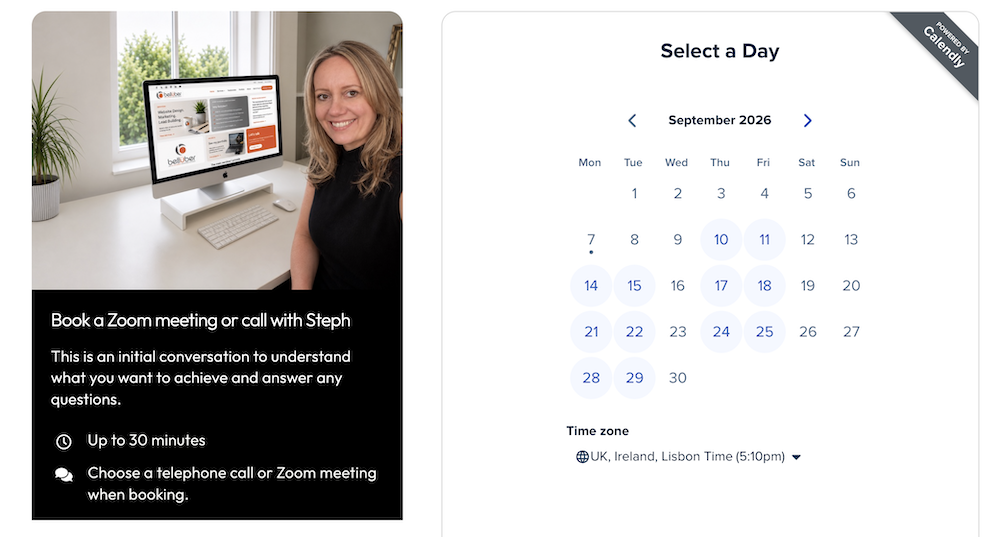
I have Calendly built into my website so people can arrange a phone call or Zoom meeting with me, without the usual emails backwards and forwards trying to find a time we’re both free.
I’ve set the days and times when I’m happy for people to book calls and it syncs with my calendar, so if I’ve already got something in there, that time isn’t available.
It’s a small thing, but it saves time for both me and the person booking the call.
11. ColorSlurp

ColorSlurp is another tool I use all the time, that probably wouldn’t appear on many general lists of business apps.
I use it for picking colours from my screen and I’ve set up my clients’ colour schemes in it, including their hex codes (hex codes are the six-character codes that identify exact colours – for example, the Belluber orange is #E66A4F). That means when I’m working on a client’s website, creating an image or making a social media graphic, I’ve got their brand colours (and the codes for them) to hand.
It’s one of those little tools that doesn’t sound particularly exciting but saves me a lot of time.
If you find my articles useful, add Belluber as a preferred source on Google to see more of my website and marketing advice in Google Search.
continue reading