Not sure what something means?
View the Glossary →
When you think about keeping your website up to date, you might only think about the visible things – changing some text, adding new photos, publishing a blog post or updating your services.
However, there’s another type of website update that’s just as important and happens behind the scenes.
With WordPress websites, the software that runs the site needs regular maintenance too.
Why a WordPress website needs updating
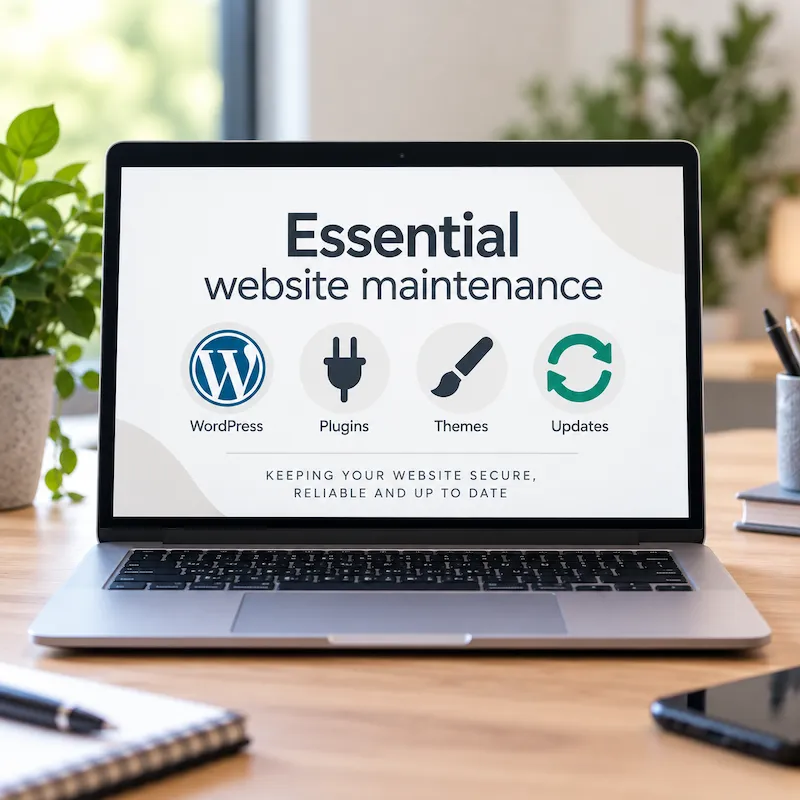
WordPress websites are generally made up of three main parts:
- WordPress itself – the software the website runs on
- a theme – which controls much of the design and layout
- plugins – which add extra functionality such as security, SEO tools, Google Analytics and backups
The developers of WordPress, themes and plugins regularly release new versions. Sometimes these add new features or improve how something works, but many updates can also fix bugs, improve compatibility with other software and address security vulnerabilities that have been discovered. It’s similar to computer and phone updates – e.g. for Microsoft Windows or Apple iPhone (iOS).
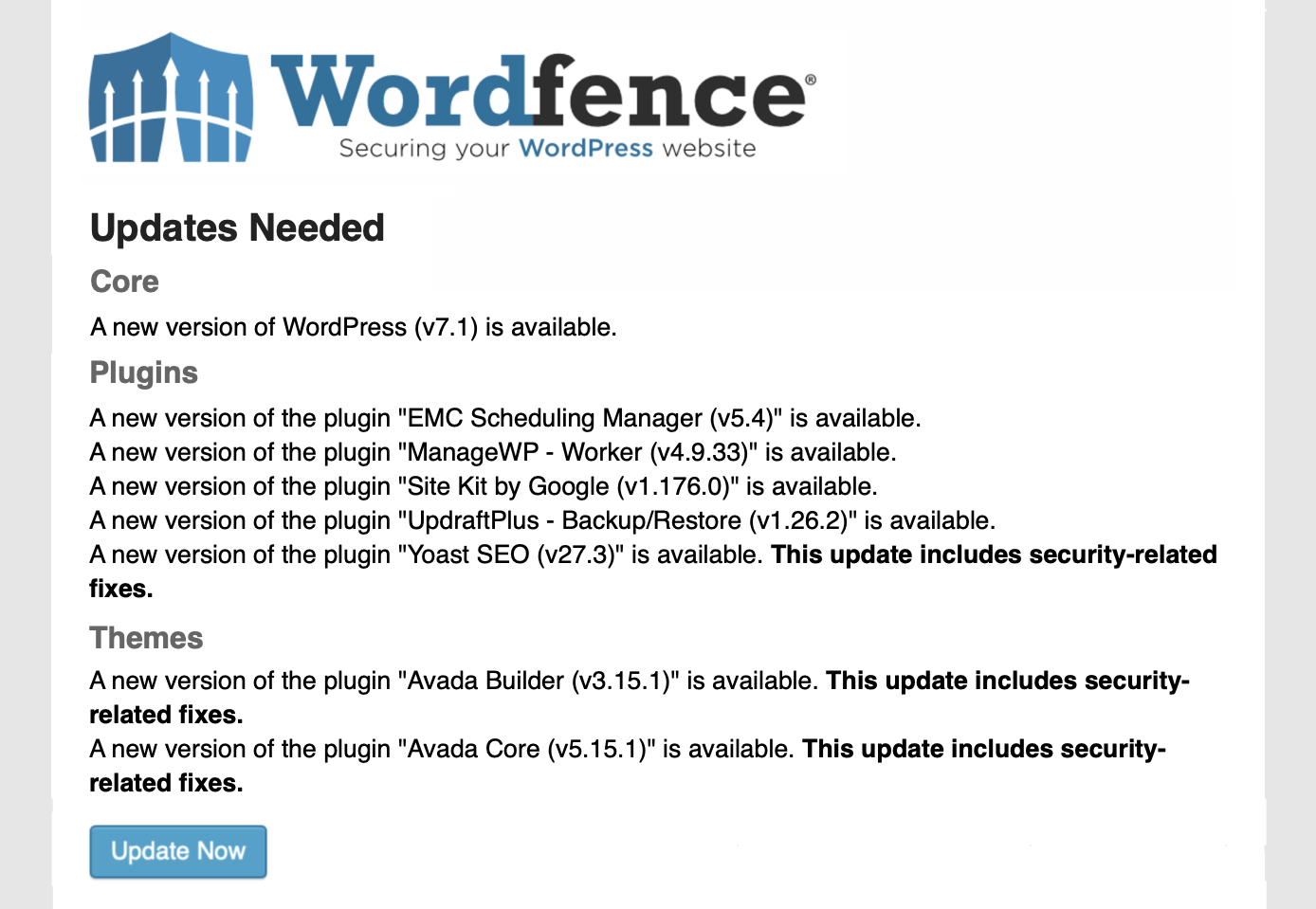
You might receive an email from WordPress or a security plugin such as Wordfence telling you that software on your website needs updating.
It’s not necessarily telling you there’s a problem with your website – it’s telling you there’s something that needs your attention.
The main reasons for keeping your website software up to date
Keeping WordPress, your theme and plugins reasonably up to date can help to:
- keep your website secure – updates often fix known security vulnerabilities
- prevent compatibility problems – WordPress, themes and plugins need to continue working properly together
- fix bugs – developers regularly correct problems found in previous versions
- keep website features working – outdated software can sometimes cause forms, layouts or other functionality to stop working as expected
- avoid very large jumps between versions – leaving software untouched for years can make future updates more complicated
- keep your website working with newer technology – including changes to browsers, PHP versions and other software your website relies on
Leaving updates for too long can cause problems
Your website isn’t suddenly going to stop working because a plugin is a few days out of date. The problem is when updates are continually ignored and a website is left for months – or sometimes years – without anyone checking it.
Older software can contain known security vulnerabilities. There can also be compatibility problems as one part of the website gets updated while another doesn’t.
Large jumps between versions can sometimes create problems too. For example, updating a website theme that hasn’t been touched since 2022 straight to a version released in 2026 can be more complicated than keeping up with the updates as they’re released. A lot might have changed during those four years, including the theme itself, WordPress, plugins and the version of PHP running on the website.
It doesn’t mean a large update will necessarily cause a problem, but it does mean I would approach it more cautiously, make sure there is a reliable backup and check the website carefully afterwards.
Over time, outdated software can lead to things not working properly – perhaps a form stops sending, part of a page doesn’t display correctly or an older plugin starts conflicting with newer software.
This is why I recommend checking your website regularly rather than waiting until something goes wrong.
You can update WordPress and plugins yourself
For many websites, routine updates aren’t complicated – I show many clients (including those who are not that familiar with computers) how to manage this themselves.
I don’t recommend logging in and clicking every available “Update” button without understanding what you’re doing.
It’s good to make sure you have a recent backup first and to check the website afterwards.
If you’d like to manage your own website but aren’t confident about doing this, I provide an online training session where I can show you what to check, what to update and what to be careful with.
How often you should check your website
I recommend logging into your WordPress website at least once a month to check for updates to WordPress itself, your theme and your plugins. Also pay attention to any security or update notifications you receive between those checks.
If you don’t know who currently receives your website’s WordPress or Wordfence notifications, that’s worth checking too. I sometimes find that these are being sent to an old email address or to the person who originally built the website (which is fine if that is who’s managing the maintenance for you).
If you don’t want to manage it yourself
Not everyone wants another monthly job to remember. I manage the ongoing website maintenance for a number of my clients, which means I take care of essential WordPress, theme and plugin updates, backups and checks for them.
Other clients prefer to manage their own websites after I’ve shown them what to do.
Just make sure that someone is taking responsibility for it.
A business website shouldn’t be treated as something that’s built, launched and then left untouched for the next five years. Keeping the content current is important, but keeping the software behind it maintained is part of looking after your website too.
If you’re not sure when your WordPress website was last updated, or you’d like some help managing it yourself, take a look at my website management and training options or get in touch.
If you find my articles useful, add Belluber as a preferred source on Google to see more of my website and marketing advice in Google Search.
continue reading